
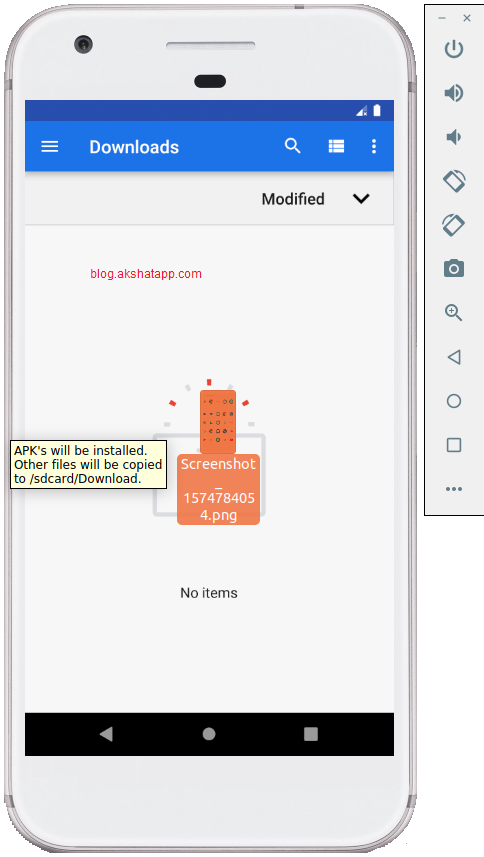
Simply Drag-n-Drop your files anywhere into the android emulator device.
This is a built-in feature of android emulator device. This is very helpful and saves a lot of time while developing apps.
 |
|---|
| Drag-N-Drop Files into Emulator |
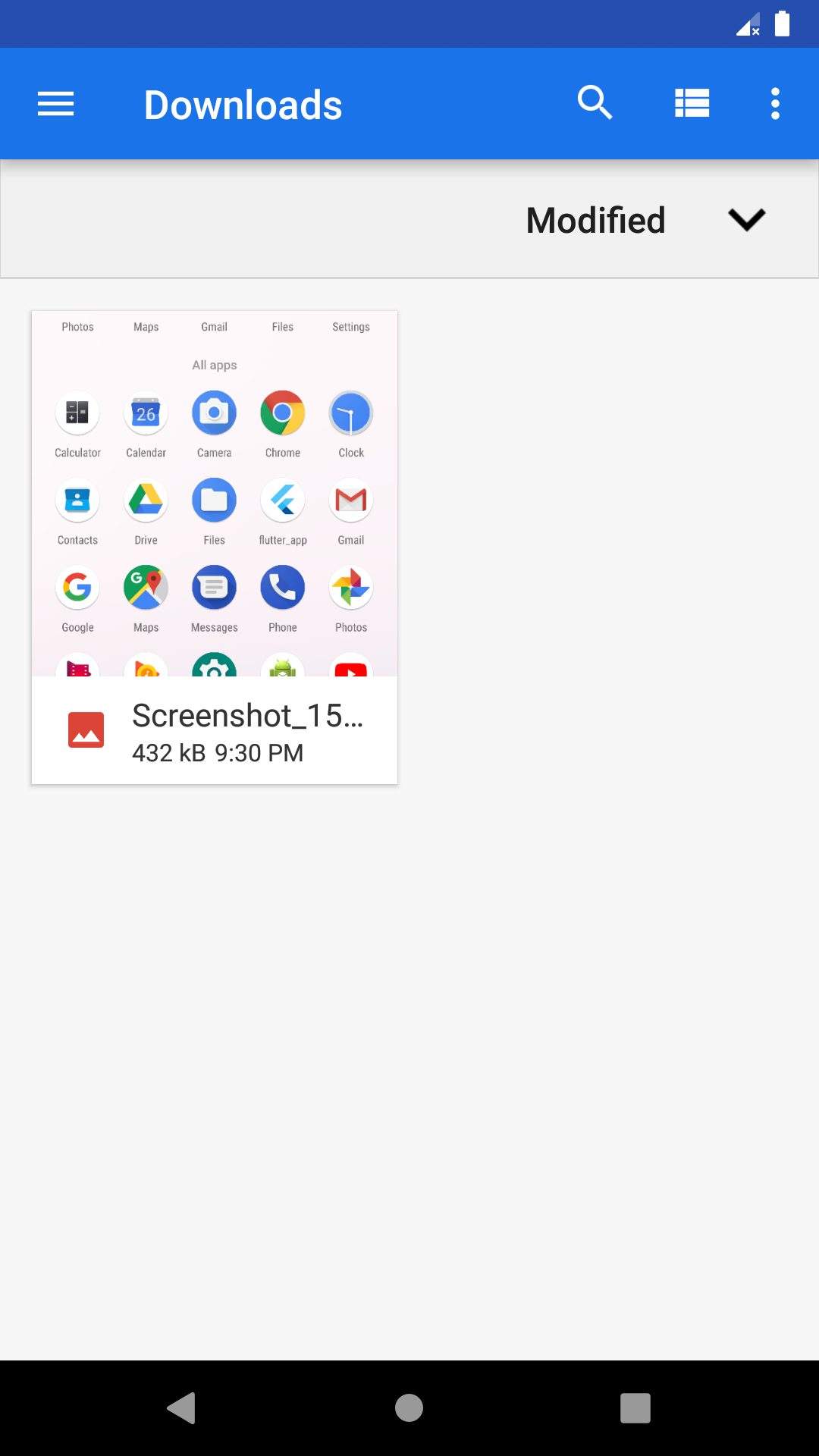
- Your files will be copied to /sdcard/Download folder
 |
|---|
| File added to Download folder |
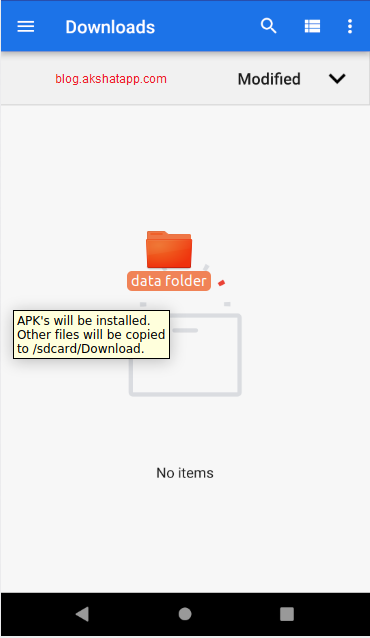
- You can also share folders along with your files.
 |
|---|
| Drag-n-Drop Folders in Emulator |
 |
|---|
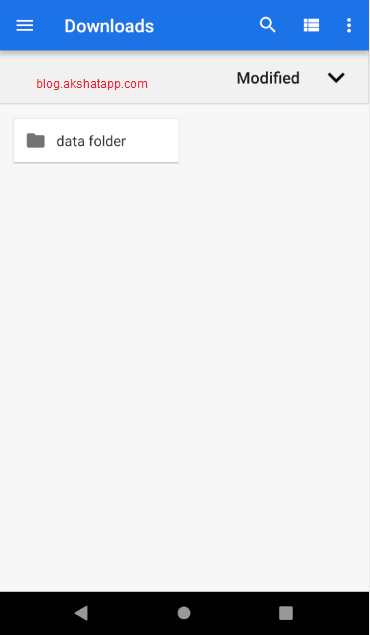
| Folder added to sdcard |
Folder added to Download Folder
This is the simplest way to share files and folders between your desktop and android emulator.
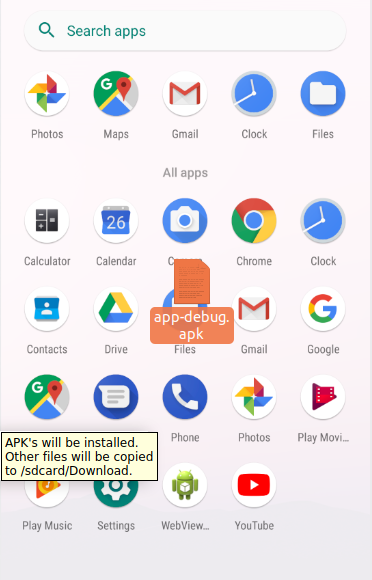
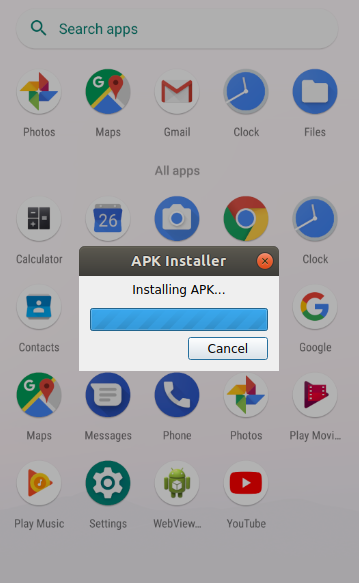
Bonus Tip : While developing android apps, you can also quickly test your debug version apk using this drag-n-drop feature. APK’s will be installed automatically.
In this demo, we have dropped our sample flutter app debug-apk file into the emulator device.
Note :
- Only debug-apk will be installed in the emulator.
- release-apk will not be installed due to security.
 |
|---|
| Drag-N-Drop Flutter APK |
 |
|---|
| APK installed automatically |
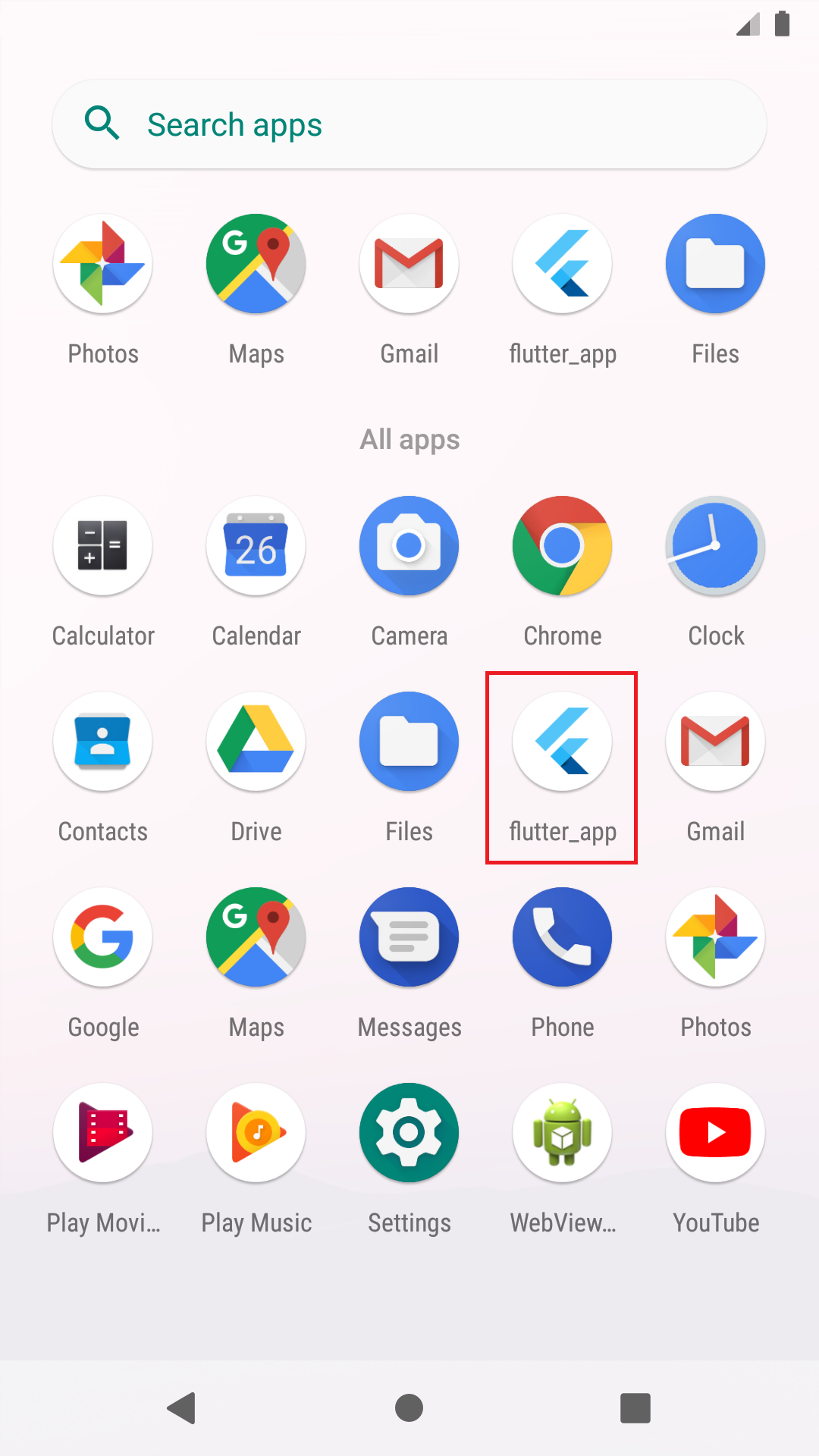
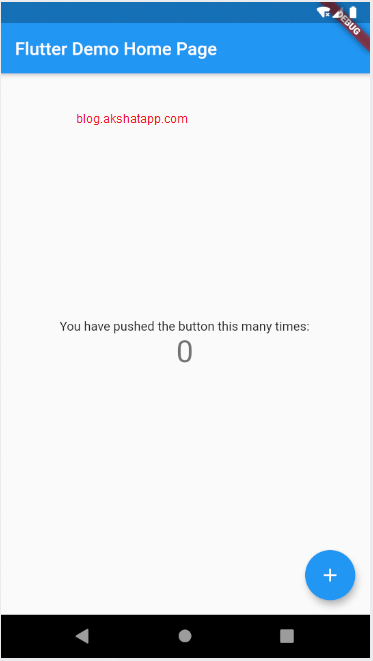
Tap your app launcher icon to test your app. This is the simplest way to install and test your app quickly while developing. This also saves a lot of time while developing apps.
 |
|---|
| Sample Flutter App Launcher icon |
 |
|---|
| Sample Flutter App Demo |
Frequently Asked Questions
Share This Post

Join our newsletter!
Get the latest developer guides, tutorials, and tips delivered straight to your inbox.