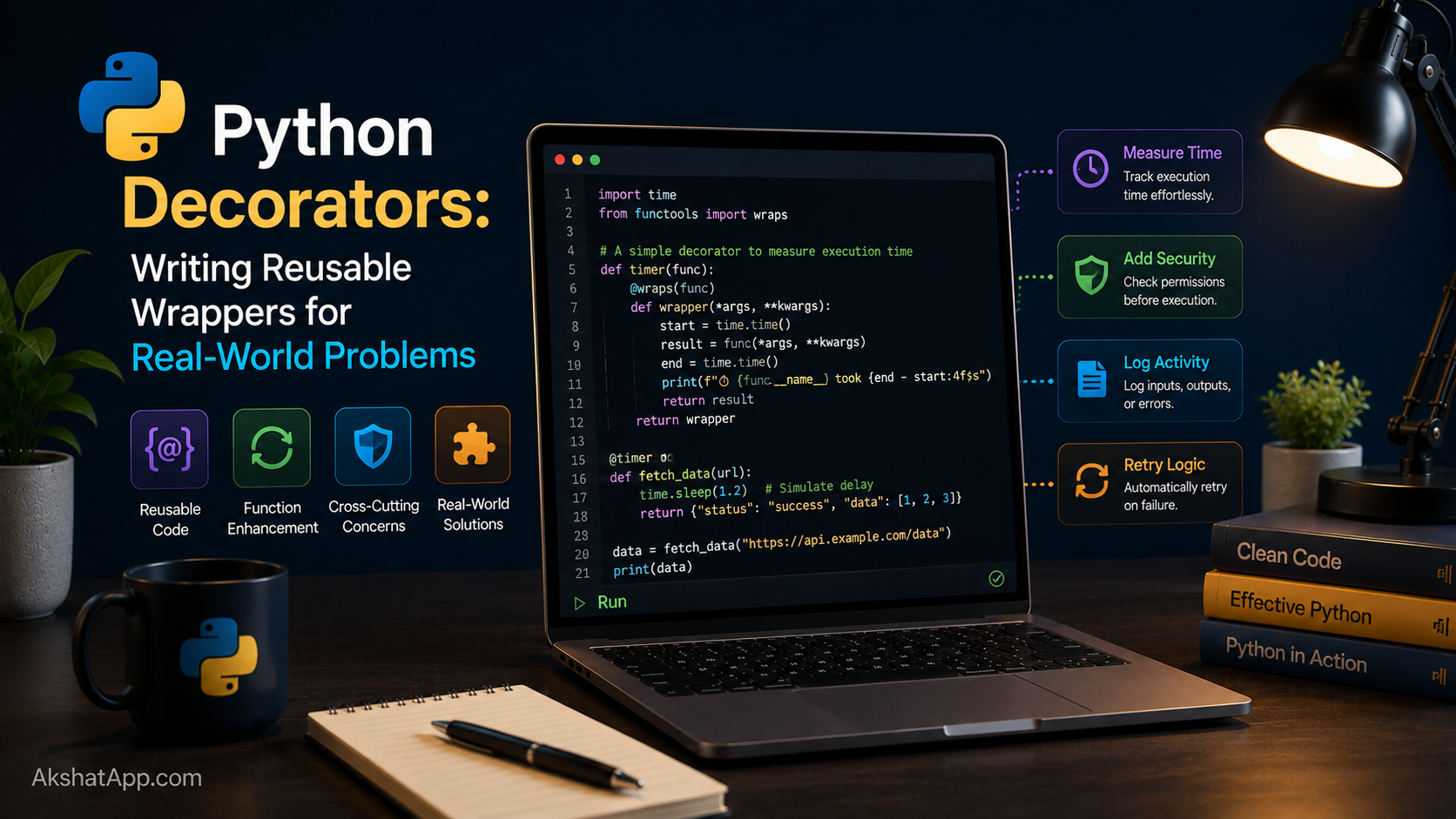
@pytest.fixture and @pytest.mark.parametrize have both been used constantly since Post #11, doing something that genuinely looked like magic: placing a single line starting with @ directly above a function definition, and having that function’s behavior change as a result. It is not magic. It is a direct, understandable application of exactly what Post #13 just covered — functions as values, and higher-order functions that take a function and return a modified one.
A decorator is simply a function that accepts another function, wraps it with additional behavior, and returns the wrapped version. The @ syntax is nothing more than a convenient shorthand for a pattern you could write out manually using ordinary function calls. This post demystifies that syntax completely, and along the way, finally implements two things left unresolved earlier in this series: retry logic for the flaky currency API from Post #10, and a caching pattern more elegant than the manual closure built in Post #13.
The Mental Model: A Decorator Is Just a Higher-Order Function
Recall from Post #13: a function is an ordinary value, and a higher-order function can take a function as input and return a different function as output. A decorator is precisely that — nothing more.
def shout(func):
    def wrapper():
        result = func()
        return result.upper()
    return wrapper

def greet():
    return "hello"

greet = shout(greet)   # reassign greet to the wrapped version
print(greet())          # HELLO
The @ syntax is syntactic sugar for exactly that last line:
@shout
def greet():
    return "hello"

print(greet())  # HELLO
@shout placed directly above def greet(): is functionally identical to writing greet = shout(greet) immediately after defining greet normally. Every decorator you will ever encounter — @pytest.fixture, @staticmethod, @app.route in a web framework, or one you write yourself — reduces to this same underlying mechanism.
Your First Decorator: Timing a Function
import functools
import time


def timer(func):
    @functools.wraps(func)
    def wrapper(*args, **kwargs):
        start = time.perf_counter()
        result = func(*args, **kwargs)
        elapsed = time.perf_counter() - start
        print(f"{func.__name__} took {elapsed:.4f} seconds")
        return result
    return wrapper


@timer
def slow_calculation(n: int) -> int:
    total = 0
    for i in range(n):
        total += i ** 2
    return total


result = slow_calculation(1_000_000)
# slow_calculation took 0.0891 seconds
Breaking this down: wrapper(*args, **kwargs) — using exactly the flexible argument syntax from Post #4 — accepts any arguments the decorated function might need, forwards them unchanged to the real function via func(*args, **kwargs), times how long that call takes, prints the result, and then returns whatever the original function returned. That final return result is easy to forget and critical: without it, slow_calculation(...) would appear to work (the timing message prints correctly) while silently discarding the actual computed value, always returning None instead.
⚠️ functools.wraps: The One Thing Every Tutorial Skips
Without @functools.wraps(func) on the inner wrapper, something subtle and genuinely damaging breaks:
# WITHOUT functools.wraps
def timer(func):
    def wrapper(*args, **kwargs):
        return func(*args, **kwargs)
    return wrapper

@timer
def slow_calculation(n):
    """Calculate the sum of squares up to n."""
    ...

print(slow_calculation.__name__)  # "wrapper" — WRONG, lost the real name
print(slow_calculation.__doc__)    # None — WRONG, lost the docstring entirely
Without functools.wraps, the decorated function’s identity — its name, its docstring, and other metadata — gets silently replaced by the generic wrapper function’s identity. This breaks introspection tools, makes debugging tracebacks confusing (every decorated function appears to be named wrapper), and can quietly break other decorators or frameworks that inspect a function’s name or docstring to work correctly. functools.wraps(func), applied directly above the inner wrapper definition, copies the original function’s __name__, __doc__, and other metadata onto the wrapper — a single line that costs nothing and prevents a genuinely common, hard-to-diagnose source of confusion.
Rule: every decorator you write should include @functools.wraps(func), without exception.
Decorators With Arguments: Three Levels Deep
The decorators above take no configuration — @timer always behaves identically. Post #10’s Exercise 3 asked for retry logic with a configurable number of attempts, which requires one more level of nesting: a function that takes arguments and returns a decorator, rather than being a decorator directly.
import functools
import time


def retry(max_attempts: int = 3, delay: float = 1.0):
    """A decorator factory — returns a decorator configured with these settings."""
    def decorator(func):
        @functools.wraps(func)
        def wrapper(*args, **kwargs):
            last_exception = None
            for attempt in range(1, max_attempts + 1):
                try:
                    return func(*args, **kwargs)
                except Exception as e:
                    last_exception = e
                    print(f"Attempt {attempt}/{max_attempts} failed: {e}")
                    if attempt < max_attempts:
                        time.sleep(delay)
            raise last_exception
        return wrapper
    return decorator


@retry(max_attempts=3, delay=2)
def fetch_exchange_rate(from_currency: str, to_currency: str) -> float:
    return get_exchange_rate(from_currency, to_currency)
The three layers, read from the outside in: retry(max_attempts=3, delay=2) is called first, immediately, with your configuration — it returns decorator. decorator is then applied to fetch_exchange_rate exactly the way @timer was applied above — it returns wrapper. wrapper is what actually runs every time fetch_exchange_rate(...) is called, retrying up to max_attempts times with delay seconds between attempts before finally letting the last exception propagate.
This directly implements what Post #10’s Exercise 3 asked you to sketch in plain code — now packaged as a clean, reusable @retry(...) that can be applied to any function prone to transient failures, not just the currency lookup, without duplicating the retry loop logic anywhere it is needed.
functools.lru_cache: The Built-In Version of Post #13’s Cache
Post #13 built a caching closure by hand, manually managing a dictionary and checking for existing keys before making a fresh API call. Python’s standard library has this exact pattern built directly into a ready-to-use decorator:
from functools import lru_cache


@lru_cache(maxsize=128)
def get_exchange_rate_cached(from_currency: str, to_currency: str) -> float:
    print(f"Fetching fresh rate for {from_currency} → {to_currency}...")
    return get_exchange_rate(from_currency, to_currency)


rate1 = get_exchange_rate_cached("USD", "EUR")  # Fetching fresh rate...
rate2 = get_exchange_rate_cached("USD", "EUR")  # instant — no print, no API call
rate3 = get_exchange_rate_cached("USD", "GBP")  # different args — Fetching fresh rate...
@lru_cache(maxsize=128) automatically remembers the results of the most recent 128 distinct argument combinations — identical to the manual closure from Post #13, but built in, tested by the Python core team, and handling edge cases (like unhashable arguments) more robustly than a hand-rolled version would without considerable extra care. lru_cache even provides introspection tools the manual version did not:
get_exchange_rate_cached.cache_info()
# CacheInfo(hits=1, misses=2, maxsize=128, currsize=2)

get_exchange_rate_cached.cache_clear()  # manually clear the cache if needed
The lesson worth internalizing: building the closure-based cache by hand in Post #13 was valuable specifically because it built real understanding of how caching like this actually works underneath. Now that the mechanism is understood, functools.lru_cache is almost always the better practical choice for genuine production code — a well-tested standard library tool beats a hand-rolled equivalent for anything beyond a specific, unusual requirement lru_cache cannot express (like Post #13’s Exercise 4 time-based expiration, which lru_cache does not support directly).
Class-Based Decorators
A decorator does not have to be a function — any object implementing __call__ (a dunder method making an instance directly callable, like a function) can serve as one:
import functools


class CallCounter:
    def __init__(self, func):
        functools.update_wrapper(self, func)  # the class-based equivalent of functools.wraps
        self.func = func
        self.call_count = 0

    def __call__(self, *args, **kwargs):
        self.call_count += 1
        print(f"{self.func.__name__} has been called {self.call_count} time(s)")
        return self.func(*args, **kwargs)


@CallCounter
def greet(name):
    return f"Hello, {name}"


greet("Alex")  # greet has been called 1 time(s)
greet("Sam")    # greet has been called 2 time(s)
print(greet.call_count)  # 2
This is genuinely a niche pattern compared to function-based decorators — most decorators you write and encounter will be plain functions, exactly like timer and retry above. Class-based decorators become worth reaching for specifically when the decorator itself needs to maintain more complex internal state than a single closure variable comfortably holds.
Stacking Multiple Decorators
@timer
@retry(max_attempts=3, delay=1)
def fetch_and_time_exchange_rate(from_currency: str, to_currency: str) -> float:
    return get_exchange_rate(from_currency, to_currency)
Decorators stack from the bottom up — @retry(...) is applied to the original function first, then @timer is applied to the already-retry-wrapped result. This means: if a network call fails twice and succeeds on the third attempt, @retry handles all three attempts internally, and @timer reports the total time for the entire retry sequence — every failed attempt and the eventual success — not just the final successful call alone. Order genuinely changes behavior, not just cosmetically; think through what each decorator needs to see before stacking them.
Real-World Use Cases
Cross-cutting concerns: Logging, timing, authentication checks, and caching are all “cross-cutting” — needed across many unrelated functions throughout a codebase — and decorators let you add this behavior without duplicating the logic inside every single function that needs it.
Web framework routing: @app.route("/users")-style decorators, seen constantly in Flask and similar frameworks, register a function as the handler for a specific URL — using precisely the mechanism covered in this post, just with framework-specific decorator implementations doing more sophisticated things internally.
Testing infrastructure: @pytest.fixture and @pytest.mark.parametrize from Post #11 are both decorators — now genuinely demystified rather than accepted as “syntax that just works.”
Retry and resilience patterns: The @retry decorator built in this post is a direct, reusable solution to exactly the kind of transient network failure problem covered in Post #10 — applicable to any function prone to occasional, recoverable failures, not just currency lookups.
Common Mistakes and Gotchas
⚠️ Mistake 1: Forgetting functools.wraps
Covered at length above — every function-based decorator you write should include it, without exception, to preserve the decorated function’s real name and docstring.
⚠️ Mistake 2: Forgetting to return the wrapped function’s result
# BUG — the wrapper never returns anything, silently discarding the real result
def logged(func):
    @functools.wraps(func)
    def wrapper(*args, **kwargs):
        print(f"Calling {func.__name__}")
        func(*args, **kwargs)  # missing return!
    return wrapper
Every decorated function call now silently returns None, regardless of what the original function actually computed — a bug that produces no error message at all, just quietly wrong results downstream.
⚠️ Mistake 3: Missing the extra nesting level for decorators that take arguments
# WRONG — treats retry as if it were a plain decorator, not a decorator factory
@retry  # missing the parentheses and configuration — this passes the wrong thing entirely
def my_function():
    ...
A decorator that itself accepts configuration arguments (like retry(max_attempts=3)) must always be called with parentheses, even if you want to use only its default settings: @retry(), not @retry.
⚠️ Mistake 4: Confusing decorator stacking order Covered above — decorators apply bottom-up, and for decorators with meaningfully different responsibilities (like timing versus retrying), the order genuinely changes what gets measured or handled at each layer.
⚠️ Mistake 5: Using *args, **kwargs incorrectly, breaking the wrapped function’s actual signature
A decorator’s wrapper(*args, **kwargs) should almost always forward everything unchanged to the wrapped function — modifying, dropping, or reordering arguments inside a general-purpose decorator produces confusing, hard-to-predict behavior for anyone using the decorated function without knowing its internals.
Performance Note
A decorator adds a small amount of overhead on every call to the decorated function — an extra function call layer, and whatever additional work the decorator itself performs (timing, logging, cache lookups). For the vast majority of code, this overhead is completely negligible next to the value decorators provide. It becomes worth measuring specifically in extremely hot code paths — a function called millions of times in a tight loop — where even a small per-call overhead can accumulate meaningfully, a scenario Post #17’s profiling techniques are well suited to actually measure rather than guess about.
Quick Reference
import functools

# Basic decorator
def my_decorator(func):
    @functools.wraps(func)
    def wrapper(*args, **kwargs):
        # do something before
        result = func(*args, **kwargs)
        # do something after
        return result  # never forget this
    return wrapper

@my_decorator
def some_function():
    ...

# Decorator with arguments (decorator factory — three levels)
def my_decorator_factory(option=True):
    def decorator(func):
        @functools.wraps(func)
        def wrapper(*args, **kwargs):
            return func(*args, **kwargs)
        return wrapper
    return decorator

@my_decorator_factory(option=False)
def some_function():
    ...

# Built-in caching decorator
from functools import lru_cache

@lru_cache(maxsize=128)
def expensive_function(x):
    ...

expensive_function.cache_info()
expensive_function.cache_clear()

# Stacking (applies bottom-up)
@decorator_a
@decorator_b
def some_function():
    ...
Exercises
Exercise 1 — Direct application
Write a @logged decorator that prints the function name and its arguments before calling it, and the return value after — apply it to miles_to_km and verify the output.
Exercise 2 — Slight variation
Add @functools.lru_cache to is_prime() from Post #4, and use the @timer decorator from this post to compare the time taken calling it with the same large number twice — once uncached, once from cache.
Exercise 3 — Real-world combination
Write a @require_positive decorator that checks whether the first positional argument to the decorated function is a positive number, raising a ValueError immediately if not, before the function’s actual body ever runs. Apply it to a version of calculate_bmi from Post #6.
Exercise 4 — Open-ended challenge
Combine @retry and @timer from this post on the same function in both possible stacking orders, and explain — based on what each decorator actually does — the concrete difference in what gets printed if the wrapped function fails twice before succeeding on the third attempt.
FAQ
Q: Can I apply more than two decorators to the same function? A: Yes — there is no limit. Each one wraps the result of everything below it, applied bottom-up, exactly as covered in the stacking section above.
Q: Do decorators work on methods inside a class, not just standalone functions?
A: Yes, with one adjustment — a method’s wrapper(*args, **kwargs) needs to correctly forward self as the first positional argument, which *args handles automatically since self is simply the method’s first positional argument like any other.
Q: What’s the difference between @staticmethod and a decorator I write myself?
A: @staticmethod (encountered briefly in Post #6’s context) is a built-in decorator with special meaning specifically inside a class body — it tells Python a method does not need access to self at all. It uses exactly the same underlying decorator mechanism covered in this post; it is simply provided by Python itself rather than user-written.
Q: Why does lru_cache need a maxsize, and what happens when it’s reached?
A: maxsize bounds how many distinct argument combinations get cached simultaneously, preventing unbounded memory growth for functions called with many different arguments over a long-running program. Once the cache is full, lru_cache evicts the Least Recently Used entry to make room for a new one — hence the name.
Summary and Next Steps
You now understand decorators completely, from the underlying mechanism (a higher-order function reassigning a name to a wrapped version, exactly as covered in Post #13) through functools.wraps, decorator factories for configurable decorators like @retry(max_attempts=3), and functools.lru_cache as the production-grade version of the caching closure built in Post #13. @pytest.fixture and @pytest.mark.parametrize, used without explanation since Post #11, are no longer mysterious syntax — they are ordinary decorators built with exactly the tools covered here.
Your next step: Complete Exercise 2 — adding @lru_cache to is_prime() and timing the difference — because directly observing the speed difference between a cached and uncached call is far more convincing than reading about it, and it sets up exactly the performance-measurement mindset Post #17 builds on properly.
The next post covers generators and iterators — Python’s mechanism for producing values lazily, one at a time, without holding an entire sequence in memory at once, extending the lazy-evaluation behavior of map and filter from Post #13 into a tool you can build yourself.
Code tested with Python 3.13. Last updated: June 2026.
Share This Post

Join our newsletter!
Get the latest developer guides, tutorials, and tips delivered straight to your inbox.



